
Failed requests, broken sessions, and rising bandwidth bills can make web scraping difficult to scale. Choosing a proxy starts with understanding your workload: which websites you collect from, where your requests need to originate, and whether each task requires a changing or consistent IP.
This guide explains how to choose a proxy for web scraping, compares six providers and outlines what to test before committing to a larger plan. You’ll learn how to match proxy types and session settings to your crawler while keeping actual collection costs in view.

Which Proxy Type Is Best for Web Scraping?
The best proxy for web scraping depends on your target website, traffic volume, and session requirements. Here’s when to choose datacenter, residential, or ISP proxies.
Datacenter Proxies for High-Volume, Less Restrictive Targets
Datacenter proxies use IP addresses hosted on server infrastructure. Their speed and typically lower costs make them suitable for bulk crawling, link checking, and monitoring websites that accept datacenter traffic.
Some websites restrict datacenter IP ranges, so test representative URLs before purchasing a large plan. Compare usable data returned at your intended request rate, alongside bandwidth and connection limits.
Residential Proxies for IP Diversity and Location-Specific Scraping
Residential proxies use IP addresses associated with residential internet connections. They suit projects requiring varied exit IPs or localized data, such as regional prices, product availability, and search results.
When choosing residential proxies for web scraping, prioritize availability in your target locations over the advertised global pool size. Many plans charge per GB, so page size, browser resources, and retries affect the actual cost.
ISP Proxies for Consistent IPs and Longer Sessions
ISP proxies, often called static residential proxies, generally use ISP-assigned addresses hosted on server infrastructure. They suit multi-step scraping workflows that benefit from a consistent exit IP.
For example, a crawler may need the same IP while applying filters, navigating pages, and downloading results. Cookies and session state still need to remain consistent.
Compared with rotating residential pools, static ISP proxies offer fewer addresses per purchased set. Check location inventory, dedicated IP availability, replacement policies, and traffic allowances.
| Scraping Need | Proxy Type to Consider | Main Consideration |
| High-volume crawling on less restrictive sites | Datacenter | Verify that the target accepts datacenter traffic |
| Regional content and varied exit IPs | Residential | Check local IP availability and bandwidth costs |
| Multi-step tasks requiring a fixed exit IP | Static ISP | Check IP inventory, traffic terms, and replacement options |
Next, decide whether your crawler needs rotating IPs or sticky sessions—this is separate from choosing the proxy type.
Should You Use Rotating Proxies or Sticky Sessions?
After choosing a proxy type, decide when your scraper should change IP addresses. The right approach depends on whether each request stands alone or forms part of a continuous session.
Rotating Proxies for Independent Requests
Rotating proxies change the exit IP with each request or at a configured interval. They suit web scraping tasks where pages can be collected independently, such as gathering product listings or checking prices across multiple URLs.
Using rotating proxies for web scraping distributes requests across different IPs, but frequent rotation does not guarantee successful collection. Your crawler still needs appropriate request rates and error handling.
Sticky Sessions for Connected Steps
Sticky sessions aim to keep the same exit IP for a configured period. They help when a scraper performs connected actions, such as selecting a location, applying filters, and navigating through the resulting pages.
Keep cookies and session settings consistent alongside the IP. Changing addresses halfway through a session can trigger additional checks or interrupt the workflow.
A sticky residential proxy is not a permanently fixed IP: the address may change when the session expires or the underlying connection becomes unavailable.
Static IPs for Longer-Term Continuity
If your scraping workflow requires the same exit address beyond a temporary session, consider static ISP or static datacenter proxies. These provide a fixed address while it remains assigned to you, subject to the provider’s terms.
Choose rotation for independent requests, sticky sessions for connected steps, and static IPs for longer-term continuity. Change IPs according to the workflow rather than rotating as frequently as possible.
What Should You Compare Before Buying Scraping Proxies?
After choosing a proxy type and session mode, use these criteria to compare web scraping proxy providers:
- Target-site performance: Evaluate whether the service returns usable data from your target websites at the required request volume. Advertised uptime and connection speeds alone do not establish scraping performance.
- Location availability: Confirm coverage in the countries or cities you need. A large global IP pool does not necessarily mean sufficient resources in each location.
- Proxy controls and limits: Check that the plan supports your required rotation or session settings. Review concurrency limits, bandwidth allowances, and whether IPs are shared or dedicated.
- Pricing and purchase terms: Compare rates alongside minimum purchases, traffic expiration, and additional fees. Consider how retries and bandwidth consumption affect the cost of collecting usable data.
- Integration and testing options: Verify protocol and authentication compatibility with your crawler. Look for clear setup documentation, technical support, and a trial or small purchase option before committing.
6 Best Proxy Providers for Web Scraping
The following providers offer different combinations of proxy types, session controls, geographic coverage, and pricing.
IPFLY
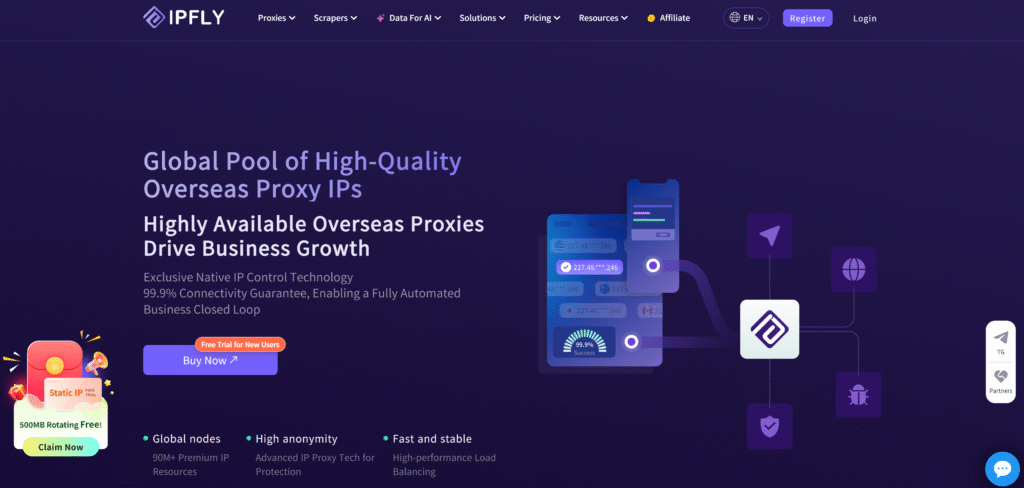
IPFLY offers residential, static ISP, and datacenter proxies, allowing you to match the connection to each scraping workload. You can use residential IPs for regional data collection, dedicated ISP addresses for continuous sessions, and datacenter proxies for traffic-heavy crawls on compatible websites.
Its main features for web scraping include:
- 90M+ residential IPs across 190+ countries and regions: Country, state, and city targeting lets you collect regional product listings, prices, and search results. This helps keep the exit location aligned with the market you are researching.
- Rotation and sticky sessions: Use changing residential IPs for independent requests or retain an address temporarily for connected steps, such as applying filters and navigating results. Both options are available within the residential proxy service.
- HTTP/HTTPS and SOCKS5 support: Configure proxies in compatible HTTP clients, scraping frameworks, and browser automation tools using the supported protocol and authentication settings.
- Dedicated static ISPIPs with unlimited traffic: A fixed address supports recurring monitoring and multi-step workflows that require a consistent exit IP. Dedicated allocation also means the purchased IP is not shared with other IPFLY customers.
- Dedicated datacenter proxies with unlimited bandwidth: For large crawls where the target accepts datacenter traffic, this provides an alternative to paying for every GB transferred. The fixed addresses also give you control over how requests are assigned across your purchased IPs.
Residential traffic is billed by GB, while the static products offer a different cost structure for sustained workloads. Before ordering, confirm the current package, required locations, and session settings with IPFLY. You can also ask about testing options for your target websites.
Expert Proxy IP Comparisons & Reviews
In-depth multi-dimensional analysis to help you pick the most cost-effective IPFLY plan
Bright Data
Bright Data separates proxy infrastructure from managed scraping products. With residential, ISP, or datacenter proxies, developers retain responsibility for the crawler’s rendering, parsing, and retry logic. Browser and scraping APIs provide additional functions through separate services.
For localized price monitoring or search data collection, its residential proxies support geographic targeting alongside rotating and sticky sessions. Residential billing includes pay-as-you-go and monthly plans; browser and API charges should be calculated separately when estimating the full collection cost.
IPRoyal
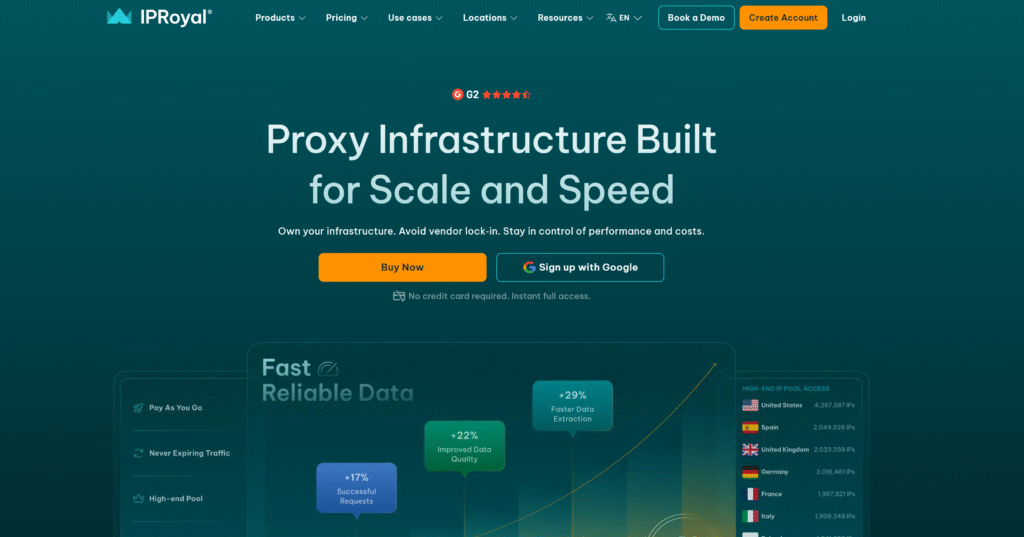
IPRoyal’s residential proxy settings allow a crawler to switch IPs between independent page requests or retain an address during connected steps. A product-data collection workflow, for example, can use per-request rotation for separate URLs and sticky sessions when navigation depends on consistent session state.
Residential traffic is available through subscriptions or pay-as-you-go purchases. Pay-as-you-go pricing is $7.35 for 1 GB and $1.84/GB for a 10 TB purchase. The 1 GB subscription costs $7 per month, so the relevant rate depends on the crawler’s expected traffic volume.
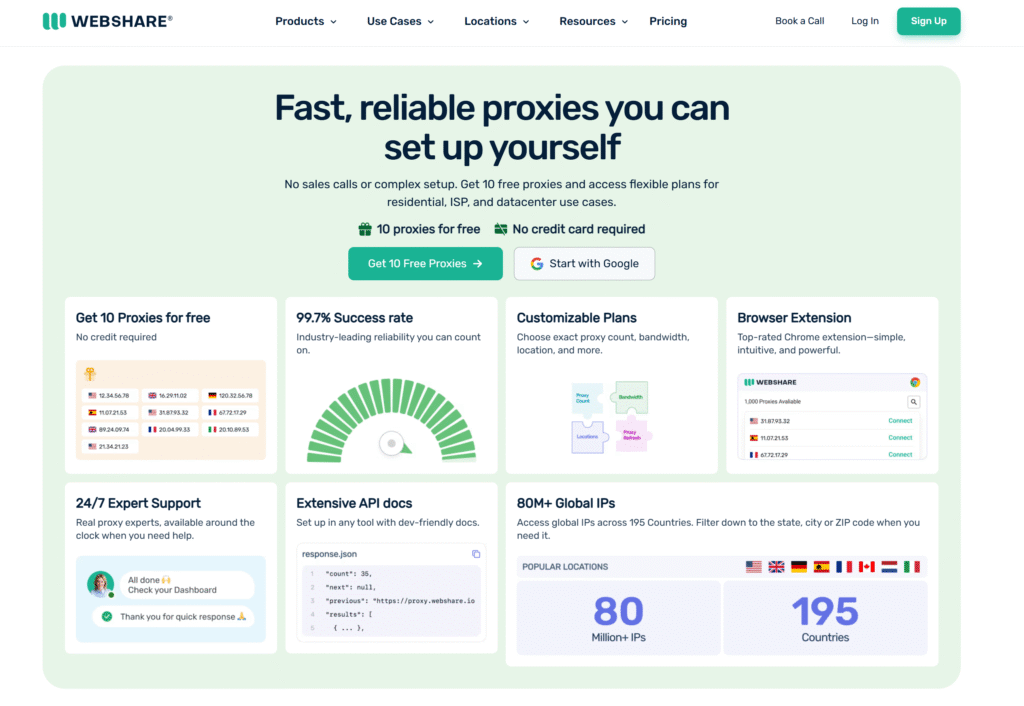
Webshare’s product distinctions matter when planning a crawl: datacenter and static residential plans provide sets of proxy addresses, while rotating residential plans provide access to a pool billed by traffic. Static residential location selection is country-based, which limits its use for research requiring a specific city or state.
Datacenter pricing includes 100 proxies for $2.99 per month. For a crawler running parallel workers, proxy quantity alone does not establish capacity: bandwidth allowances, thread limits, sharing levels, and fair-use conditions also depend on the selected plan.
DataImpulse
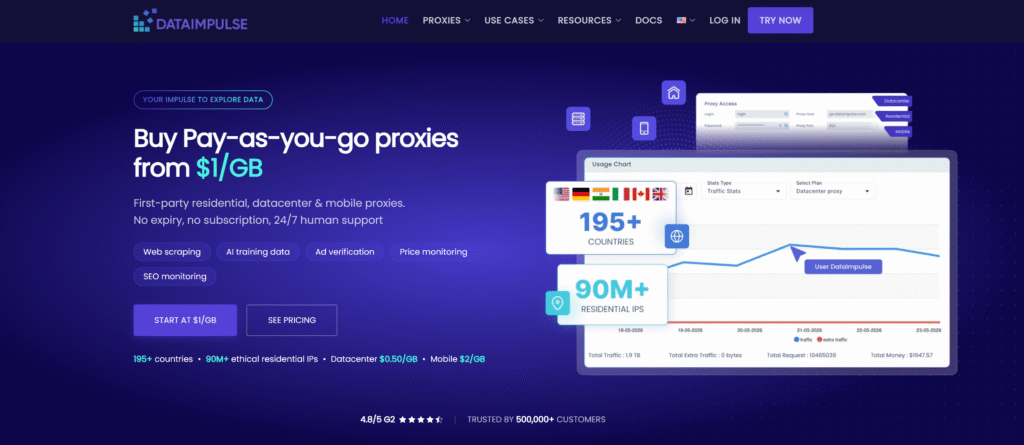
DataImpulse bills residential scraping traffic on a pay-as-you-go basis, with unused traffic remaining available without expiration. This means a scheduled price tracker or an occasional research crawl draws from the purchased balance as it runs, rather than requiring all traffic to be consumed within a monthly period.
The new-customer package costs $5 for 5 GB; standard packages include 50 GB for $50 and 1 TB for $800. Country targeting is included, while city, ZIP, and ASN targeting incur additional charges. Those fees need to be included when budgeting for location-specific product or search data collection.
Decodo
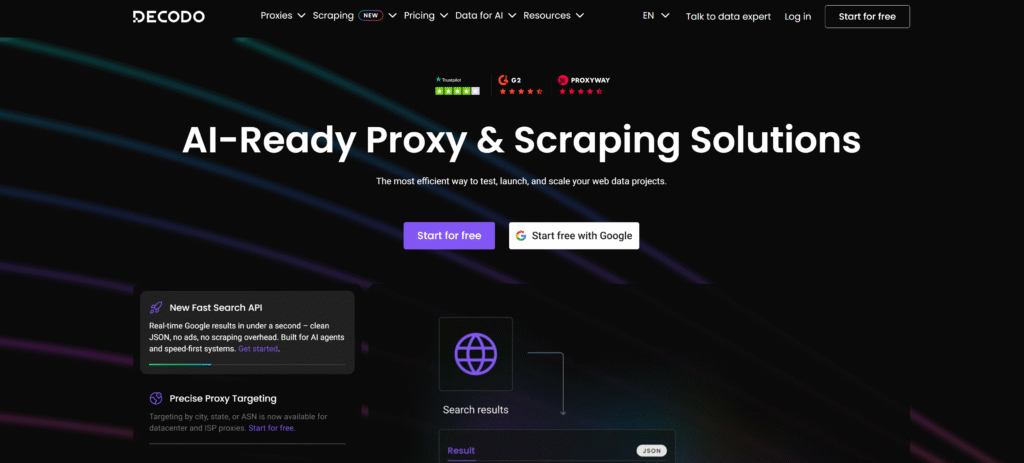
Decodo’s residential proxies combine per-request rotation, sticky sessions, and location targeting. These controls address two different scraping patterns: collecting independent pages through changing IPs and keeping a consistent address while moving through a multi-step workflow. Geographic options include country, state, city, and ZIP code.
Residential subscriptions start at $11.25 for 3 GB per month, while pay-as-you-go traffic costs $4/GB. The 1 TB enterprise package costs $2,000, equivalent to $2/GB, excluding VAT. When estimating bandwidth needs, include retries and any browser resources downloaded alongside the required page data.
How to Test a Proxy Provider Before Scaling
Before committing to a larger plan, run a small test using your actual scraping workload:
- Choose representative targets: Include the URLs, page types, and locations your crawler will use.
- Keep conditions consistent: Compare providers using the same request settings, concurrency, timeout, and retry policy.
- Validate the data: Check that required fields are present and accurate. An HTTP 200 response can still contain a CAPTCHA or an empty page.
- Measure results and costs: Record usable pages, response times, bandwidth, retries, and spending. Compare the cost of collecting complete data.
- Check sessions and increase load: Verify IP continuity during multi-step tasks, then gradually raise concurrency within the target site’s permitted limits.
Choose based on repeatable results from your target websites, rather than a single successful request.
FAQs About Proxies for Web Scraping
Do I need a proxy for every web scraping project?
No. Small-scale collection from websites that permit automated access may work without proxies. Proxies become useful when you need regional data, separate exit IPs, or consistent network identities for different workflows.
Can I use free proxies for web scraping?
Free proxies may work for basic experiments, but availability, speed, and operator transparency vary. Avoid sending credentials or sensitive data through unknown proxy servers.
How many proxies do I need for web scraping?
There is no fixed number. It depends on request volume, the target’s permitted request rate, and session requirements. Start with a small test and increase capacity based on usable results.
Why does my scraper still get blocked when using proxies?
Websites evaluate more than IP addresses. Request frequency, browser signals, cookies, and session inconsistencies can trigger checks. Review the response and crawler configuration before assuming that changing proxies will solve the problem.
Can I use these proxies with Python Requests, Scrapy, or Playwright?
Generally, yes, provided the proxy’s protocol and authentication method match the tool’s capabilities. Configuration differs between tools, so follow the relevant integration documentation.
Conclusion
The best proxies for web scraping fit your target websites, session requirements, and budget. Choose the proxy type and IP behavior first, then test usable data returned and actual collection costs before scaling.
IPFLY offers residential, static ISP, and datacenter proxies for different scraping workloads. Explore its plans or contact the team to discuss your target locations, traffic needs, and testing options.