
An active campaign doesn’t always mean your ads appear as intended. Across different markets, users may see the wrong creative, outdated offers, or unexpected landing pages. Advertising verification helps you identify these issues, while proxies let you check campaigns through IP addresses in your target locations.
Choosing the right proxy for advertising verification depends on your targeting needs, session requirements, and budget. In this guide, we compare five of the best proxies for advertising verification in 2027 to help you choose a provider for your workflow.
Best Proxies for Advertising Verification at a Glance
| Provider | Proxy Types | Geographic Targeting* | Session Control | Residential Billing |
| IPFLY | Residential, static ISP, datacenter | Country, state, city | Rotating and sticky sessions; fixed IPs on static ISP plans | Per GB |
| IPRoyal | Residential, ISP, datacenter, mobile | Country, state, city | Per-request rotation and sticky sessions | Per GB; non-expiring traffic |
| Bright Data | Residential, ISP, datacenter | Country, state, city, ZIP, ASN | Rotating and sticky sessions | Pay-as-you-go and monthly traffic plans |
| Oxylabs | Residential, ISP, datacenter, mobile | Country, state, city, ZIP, coordinates, ASN | Rotating and sticky sessions | Traffic-based plans with volume-dependent rates |
| Webshare | Rotating residential, static residential, datacenter | Country, city, US state, US ZIP, ASN; filter combinations restricted | Rotating and sticky sessions; separate static IP products | Per GB |
Geographic targeting refers to residential proxy products. Static IP locations depend on available inventory.
What Is Advertising Verification, and Why Use a Proxy?
Advertising verification is the process of checking whether digital ads appear in the intended markets, display the correct content, and lead users to the expected destination. It helps advertisers identify delivery issues, misleading redirects, and placements that could harm their brand.
Because ads can vary by location and network, checking a campaign from a single connection provides only a limited view. A proxy for advertising verification lets you access websites through an IP address in your target market, supporting checks such as:
- Localized ad delivery: Review whether the creative, language, currency, and offers match the intended market.
- Landing pages and redirects: Follow the ad journey to confirm that users reach the approved destination, keeping a consistent IP throughout the check.
- Ad placements: Inspect the surrounding content and capture screenshots or URLs to investigate unsuitable placements.
Proxies provide a regional network perspective, but ad delivery also depends on device settings, cookies, and audience eligibility. Measuring viewability or detecting invalid traffic requires additional tools and data.
5 Best Proxies for Advertising Verification
The following providers offer proxy networks that can support regional ad checks, landing page inspection, and ongoing campaign monitoring. Their products differ in location targeting, session controls, and billing models.
IPFLY
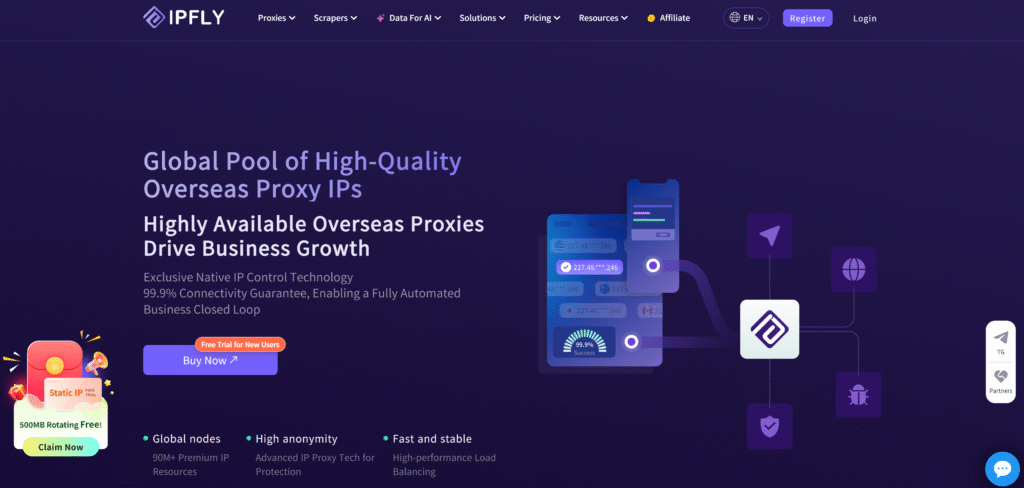
IPFLY offers residential proxies, static ISP proxies, and datacenter proxies for different verification tasks. Its residential network includes 90M+ IPs across 190+ countries and regions, with geographic targeting and rotating or sticky sessions. These options let teams sample ads across markets or maintain a consistent connection while inspecting landing pages and redirects.
For repeated checks from the same exit IP, IPFLY’s static ISP proxies provide dedicated addresses with unlimited traffic. They support SOCKS5 with TCP and UDP traffic, allowing integration with compatible verification tools. Datacenter proxies provide another option for basic page availability checks where the target accepts datacenter connections.
- Proxy types: Residential, static ISP, and datacenter.
- Geographic targeting: Country, state, and city selection on residential proxies; static locations depend on inventory.
- Session control: Rotating and sticky residential sessions; fixed addresses on static ISP proxies.
- Protocol support: HTTP(S) and SOCKS5, with TCP and UDP support on static ISP proxies.
- Billing model: Residential traffic billed per GB; static products purchased by IP and service period.
- Before purchasing: Confirm target locations, session settings, and protocol compatibility for the selected product.
IPRoyal
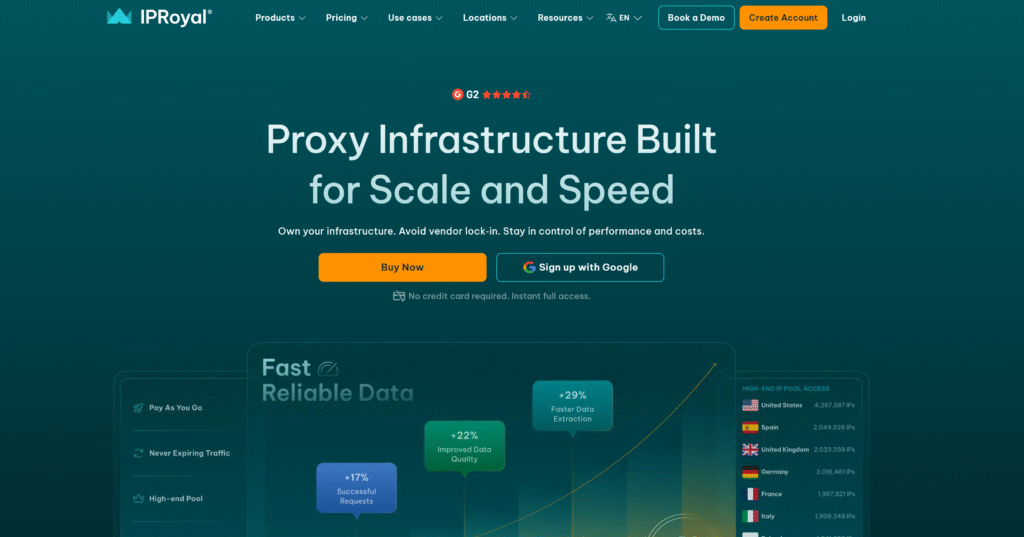
IPRoyal provides residential, ISP, datacenter, and mobile proxies. Its residential service supports country, state, and city targeting, along with per-request rotation and sticky sessions. Users can configure connections through its dashboard or API to collect separate regional samples or follow a multi-page verification sequence.
Residential traffic does not expire, allowing purchased bandwidth to be used across checks performed at different times. The service offers traffic-based purchasing and subscription options, with unit prices varying by purchase volume.
- Proxy types: Residential, ISP, datacenter, and mobile.
- Geographic targeting: Country, state, and city selection on residential proxies.
- Session control: Per-request rotation and sticky sessions.
- Billing model: Residential traffic billed per GB, with non-expiring bandwidth.
- Before purchasing: Confirm target-region availability, sticky-session conditions, and the rate associated with the selected purchase volume.
Bright Data
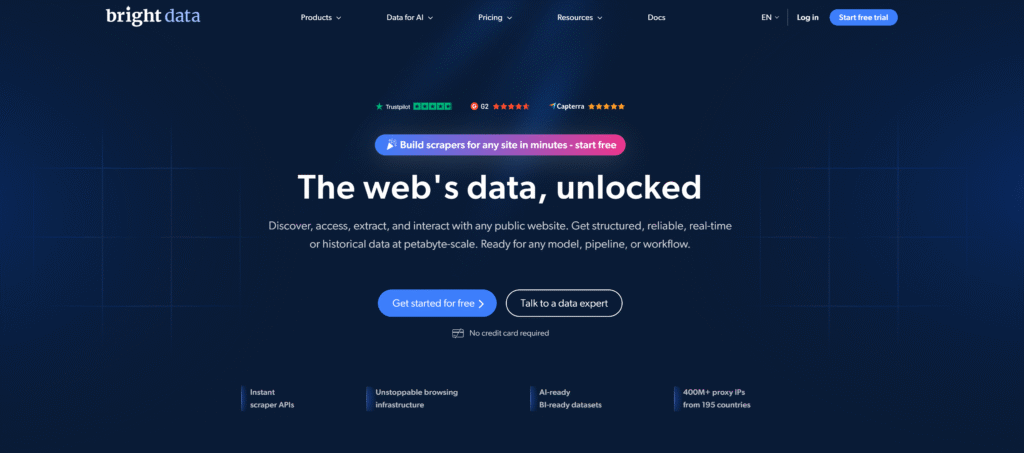
Bright Data provides proxy infrastructure alongside browser and web data collection tools. Its residential network supports country, state, city, ZIP code, and ASN targeting, allowing verification requests to use more specific network locations. Rotating and sticky sessions provide control over whether checks use different IPs or retain one connection across multiple requests.
The platform includes integration documentation and tools for managing proxy connections within custom workflows. Residential pricing includes pay-as-you-go and monthly plans. Proxy traffic and any additional browser or data collection services should be budgeted separately.
- Proxy types: Residential, ISP, and datacenter networks, with separate browser and data access products.
- Geographic targeting: Country, state, city, ZIP code, and ASN options.
- Session control: Rotating and sticky sessions.
- Billing model: Residential pay-as-you-go and monthly traffic plans.
- Before purchasing: Confirm access requirements, applicable targeting charges, and whether the workflow requires separately billed tools.
Oxylabs
Oxylabs offers residential, ISP, datacenter, and mobile proxies. Its residential network covers 195 countries and supports filters including country, state, city, ZIP code, coordinates, and ASN. These controls allow teams to configure verification requests around the geographic requirements of individual campaigns.
The residential service supports rotating and sticky sessions, together with unlimited concurrent sessions. Its endpoint configuration tools allow users to select authentication, location, and session parameters before integrating connections into scripts. Residential plans include a defined traffic allowance, which determines the available data transfer volume.
- Proxy types: Residential, ISP, datacenter, and mobile.
- Geographic targeting: Country, state, city, ZIP code, coordinates, and ASN options.
- Session control: Rotating and sticky sessions.
- Billing model: Residential plans with traffic allowances and volume-dependent per-GB rates.
- Before purchasing: Confirm node availability in required locations, session limits, and the traffic needed for concurrent checks.
Expert Proxy IP Comparisons & Reviews
In-depth multi-dimensional analysis to help you pick the most cost-effective IPFLY plan
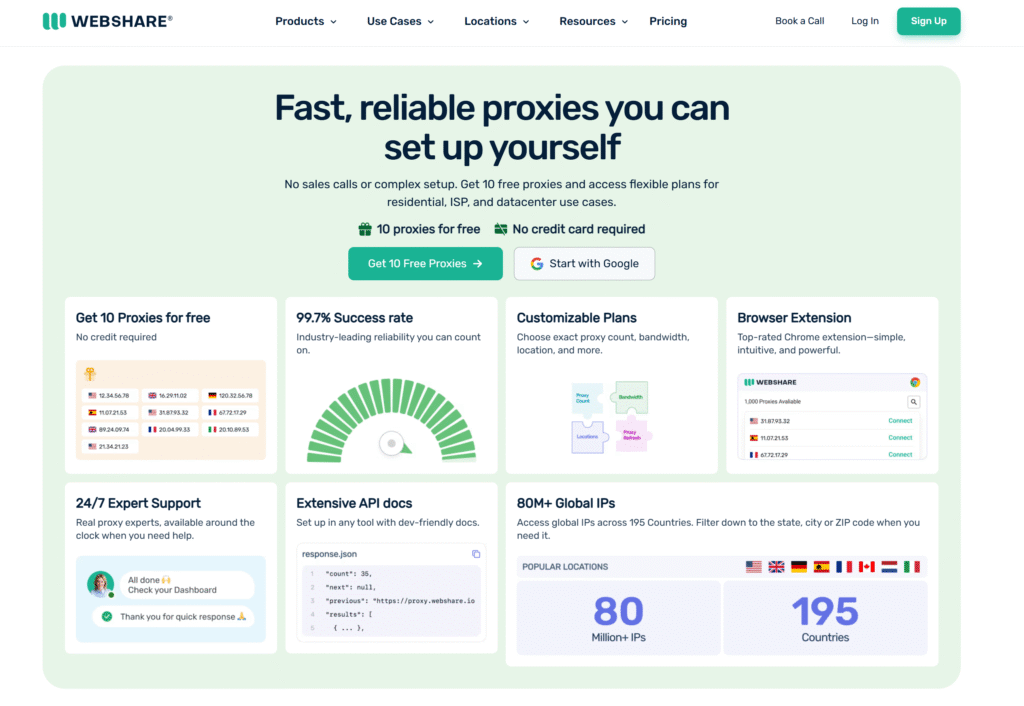
Webshare offers rotating residential, static residential, and datacenter proxies. Its Endpoint Generator lets users configure authentication, location, and rotating or sticky sessions, then copy or export the resulting connection details for use in their tools.
The rotating residential service covers 195 countries and supports city selection. Its documentation also lists US state and ZIP targeting, plus ASN filtering across the residential pool. These filters have specific configuration rules and should not be assumed to work in every combination. Residential traffic is billed by bandwidth.
- Proxy types: Rotating residential, static residential, and datacenter.
- Geographic targeting: Country and city; US state and ZIP options; ASN filtering.
- Session control: Rotating and sticky residential sessions; static addresses through separate products.
- Billing model: Rotating residential plans billed per GB.
- Before purchasing: Confirm supported filter combinations, session behavior, and the bandwidth included in the selected plan.
Which Proxy Type Should You Use for Advertising Verification?
The right proxy type depends on what you want to check.
| Proxy Type | What It Helps You Check | Simple Example | Keep in Mind |
| Residential | Ads and localized content through home internet IPs | Use a French IP to check whether an ad displays a French-language offer. | Rotating IPs support separate checks; sticky sessions keep one IP temporarily, but disconnections can cause changes. |
| ISP | Repeated checks from the same IP | Use one static US IP to check a landing page every day. | Available locations depend on the provider’s static IP inventory. |
| Mobile | Ads delivered through mobile carrier networks | Use a specific carrier’s IP to check a carrier-targeted offer. | A mobile IP alone does not recreate a phone or app; suitable testing tools may also be needed. |
| Datacenter | Basic page loading and redirects | Check whether a landing page opens correctly or returns an error. | Some sites may show different ads—or no ads—to server-based IPs. |
How to Choose a Proxy for Advertising Verification
Look beyond the IP pool size. Focus on whether the proxy can support the checks you need at a manageable cost.
- Match locations to your campaigns. Choose a provider with IPs in the countries where your ads run. If your campaign targets a specific city, check that city-level targeting is available.
- Choose when your IP changes. Rotating IPs work for separate checks across different connections. Use a sticky session or static IP when following redirects and checking several pages in one visit.
- Check that everything loads. Test the ad creative, images, redirects, and final landing page. A page opening successfully does not necessarily mean the ad loaded correctly.
- Compare the total cost. Consider how much data each check uses, including images, videos, and failed attempts. Also check the minimum purchase amount and whether unused traffic expires.
- Check setup and support. Make sure the proxy works with your browser or verification tool. Look for clear setup guides, transparent information about IP sourcing, and support you can contact if connections fail.
How to Run a Basic Ad Verification Check
Follow these steps to check how your ads appear in a target market:
- Define what you expect to see. List the target country or city, approved ad creative, campaign schedule, and correct landing page.
- Connect your proxy. Select the target location, then use an IP lookup tool to confirm the connection’s exit IP and reported location.
- Keep your test settings consistent. Use the same browser, device type, language, and cookie settings when comparing results. Keep the same IP throughout each multi-page check.
- Inspect the ad journey. Open the page where the ad is expected to appear. Check the creative and, using an approved testing method, inspect redirects and the final landing page.
- Save and repeat. Record the time, location, IP, screenshots, and any unexpected results. Repeat checks at different times to identify recurring issues.
Not seeing an ad once does not prove the campaign is broken. Check the campaign schedule, audience requirements, budget, and auction conditions before drawing a conclusion.
FAQs About Proxies for Advertising Verification
Do proxies verify ad viewability or detect click fraud on their own?
No. Proxies help you inspect ads from different locations. Measuring viewability or detecting fraudulent clicks requires additional tools and data.
Why can’t I see an ad even when using a proxy in the target country?
Location is only one factor. Your device, cookies, audience eligibility, campaign schedule, budget, and auction results can also affect delivery.
Can I use free proxies for advertising verification?
Free proxies may work for occasional checks, but unreliable connections and limited targeting can affect results. A provider’s trial offers a more controlled way to test.
How many proxy locations do I need to test?
Start with your campaign’s target markets. Use country-level checks for national campaigns and city-level checks for local offers.
Does mobile ad verification always require mobile proxies?
No. Mobile proxies are useful for testing cellular networks or carrier-specific offers. Checking mobile pages may only require a suitable browser or device.
Conclusion
Choosing a proxy for advertising verification for 2027 starts with your target markets and the checks you need to perform. Then match the proxy type, session settings, and billing plan to your workflow.
Explore IPFLY residential proxies for checks across different locations, or choose static ISP proxies for repeated checks from a consistent IP. Start with a small test based on your target markets and checking frequency.