
Found a Nebula Proxy link that won’t open, or wondering whether it fits your browsing needs? Before getting started, it helps to know where to find access information and what to expect from the service.
This guide covers what Nebula Proxy is, how to use it, and its benefits and limitations. You’ll also learn when IPFLY is a suitable alternative for tasks that require specific locations, fixed IPs, or integration with business tools.
What Is Nebula Proxy?
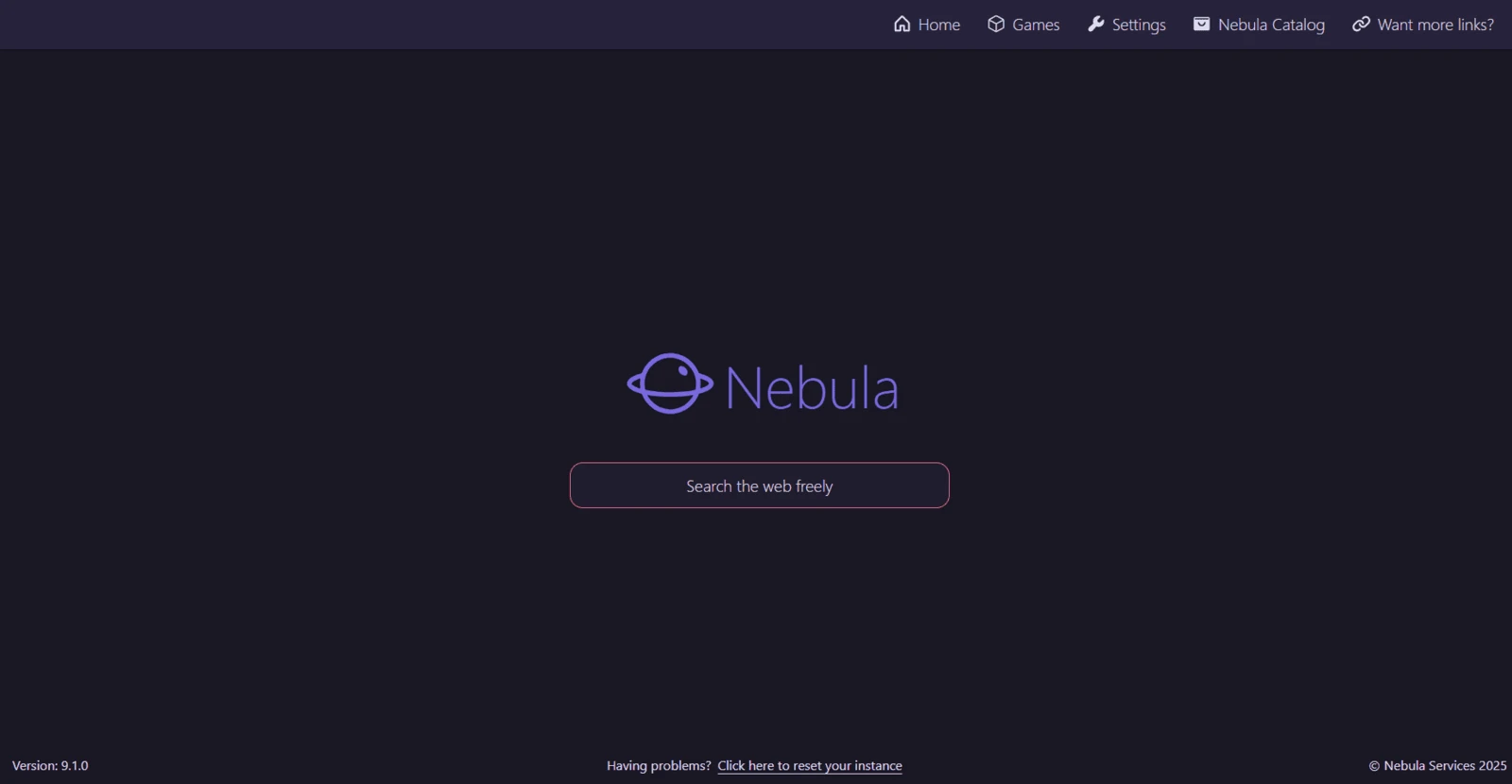
Nebula Proxy is an open-source web proxy developed by NebulaServices. It lets you access websites through a proxy interface in your browser. The proxy server acts as a middleman: it requests content from the website and sends it back to you. This applies to pages you visit through Nebula, rather than automatically covering all internet traffic on your device.
Because Nebula’s code is publicly available, other people can use it to run their own versions, known as instances. These may look similar but be managed by different operators. As a result, their speed, availability, and privacy practices can vary depending on which instance you use.
How to Use Nebula Proxy
To use Nebula Proxy, open an available instance in your browser, enter the website address, and check that the page works correctly. Here are the steps to get started.
- Access a Nebula Proxy Instance
Start with the official channels listed by NebulaServices:
- Nebula Proxy GitHub repository: Source code, project information, and deployment instructions.
- Nebula Proxy Discord community: A place to check announcements and ask for help.
These links are published on the official GitHub organization page. If a Nebula Proxy link stops working, check these channels for updates rather than assuming that a similarly named website is official. Availability may change.
- Enter the Website URL
Once the Nebula interface loads, find its address or search field. Enter the full website URL, such as https://example.com, and submit it using Enter or the on-screen button. The exact layout may vary between Nebula Proxy versions and instances.
- Browse and Check Website Compatibility
Wait for the website to load, then test the features you need. Check whether images appear, links open, and interactive elements respond correctly. A page loading successfully does not necessarily mean every feature will work. If something fails, try another simple webpage to see whether the issue affects the whole instance or only that website.
Users with deployment experience can also self-host Nebula Proxy using its official GitHub instructions. This requires a suitable server and ongoing maintenance.
Who Is Nebula Proxy Best Suited For?
Nebula Proxy’s main benefits—browser-based access, open-source customization, and a low-cost starting point—make it useful for three groups:
- Casual users with occasional browsing needs: An available hosted instance lets you visit webpages through a browser without installing a separate application or changing system proxy settings. This makes the web proxy convenient for short browsing sessions, although website compatibility can vary.
- Beginners exploring web proxies: A free public instance, when available, provides a way to try a web proxy without buying a proxy plan. It offers a simple introduction to entering a website address and browsing through an intermediary server.
- Developers interested in open-source projects: Developers can inspect Nebula’s code, modify its interface, or deploy their own instance. For example, they could customize the design for a personal project. Self-hosting gives them more control over the setup, but also requires server resources and ongoing maintenance.
For tasks requiring specific geographic locations, a consistent IP address, or automation tools, check whether the chosen Nebula Proxy instance supports those requirements.
Limitations of Nebula Proxy
Nebula Proxy may work for occasional browsing, but daily research, account access, and automated tasks bring additional requirements. Here are the main limitations to consider.
Speed and Availability Vary by Instance
Each Nebula Proxy instance runs on a server with its own resources and maintenance. Heavy traffic or server issues can slow down browsing or make the instance unavailable.
If you rely on the web proxy for daily research, these interruptions can delay your work. An outdated access link may also leave you looking for a replacement before you can continue.
Some Website Features May Not Work
Loading a page does not mean every feature will work through Nebula Proxy. Login pages, video players, filters, and live updates may run into compatibility issues.
You might be able to read a store’s product descriptions, but find that changing the delivery region or applying a price filter does nothing. Before relying on an instance, check that it supports the actions your task requires.
Privacy Depends on Who Runs the Instance
Nebula’s code is open source, but public instances can be run by different operators. The code alone does not tell you what a particular operator logs or how they handle your data.
This matters more when you sign into a work account or open confidential documents. Check the operator’s identity and privacy practices before trusting an instance with sensitive information. A web proxy does not guarantee complete anonymity.
Specific IP Controls May Be Missing
A Nebula Proxy instance may not offer the IP controls needed for business tasks. Check whether it supports your requirements:
- Location selection: Checking country-specific search results requires an exit IP in that country.
- A consistent IP address: Some workflows need the same exit IP across repeated sessions.
- Script integration: Automated data collection needs a proxy connection that your software can use directly.
If these features are essential, consider a proxy service that explicitly provides location targeting, fixed IPs, and tool integration.
In-depth multi-dimensional analysis to help you pick the most cost-effective IPFLY plan
IPFLY: A Nebula Proxy Alternative for Business Workflows
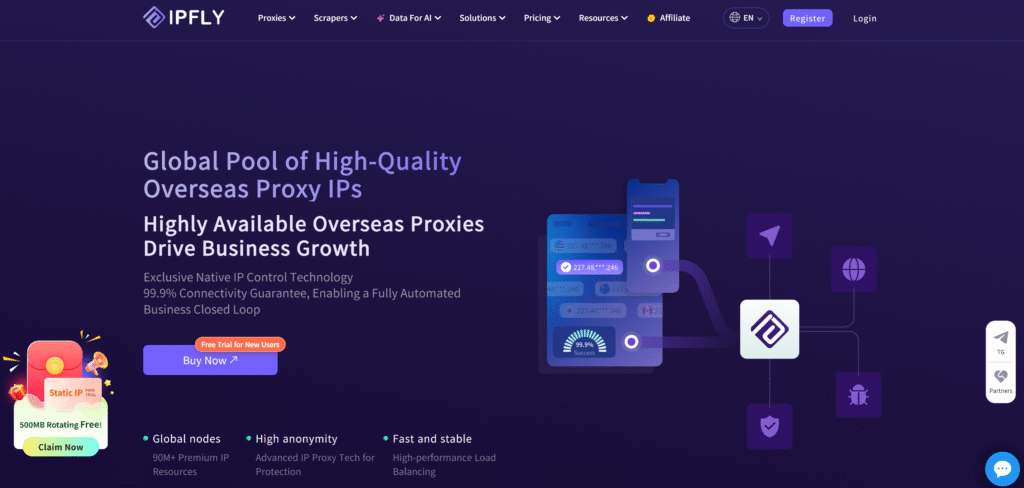
When your work requires specific locations, consistent IP addresses, or connections to automation tools, IPFLY is a practical Nebula Proxy alternative. Its residential, static ISP, and datacenter proxies support different tasks—from checking regional search results to running recurring data collection.
To get started, configure your IPFLY proxy connection details in a compatible browser, application, or script. HTTP(S) and SOCKS5 support lets you use the proxy within your existing tools, extending its use beyond a web proxy interface.
Rotating Residential Proxies for Location-Based Research
A Nebula Proxy instance’s location may not match the market you need to research. IPFLY’s rotating residential proxies provide 90M+ residential IPs across 190+ countries and regions, with country, state, and city targeting. This gives SEO teams, researchers, and advertisers more control over where their requests originate.
When comparing search results or product availability across markets, you can select the relevant location. Rotation supports separate requests that need different exit IPs, while sticky sessions help keep an IP consistent during a multi-step task. A sticky session is useful when you need to open a product page and navigate several related pages without changing the network location midway.
With an average response time of 0.6 seconds, IPFLY residential proxies support recurring research and data collection. Actual response times vary by network route, target website, and workload, so test performance against the websites your team uses.
Static ISP Proxies for Consistent IP Requirements
If your workflow needs the same exit IP across repeated sessions, an available web proxy instance alone may not provide enough control. IPFLY’s static ISP proxies offer dedicated, non-rotating IP addresses, unlimited traffic, and 99.9% network availability.
For an authorized social media management workflow, you can assign a dedicated IP to a browser profile and reuse it during the rental period. That removes unnecessary IP changes from the setup. For ongoing regional monitoring, a fixed exit also keeps the network location consistent between checks.
Unlimited traffic makes these proxies useful for frequent sessions without per-GB billing. The benefit is predictable IP allocation and traffic allowance; account verification and access decisions still depend on the platform and other signals.
Datacenter Proxies for High-Volume Tasks
For repeated requests to websites that accept datacenter traffic, IPFLY’s datacenter proxies provide dedicated static IPs, unlimited bandwidth, HTTP(S)/SOCKS5 support, and availability above 99.9%. These features support scheduled scripts and bulk tasks that need a reusable proxy connection.
A team checking thousands of public URLs each day can configure its collection tool to send requests through these proxies. The unlimited traffic allowance helps control costs as transfer volume grows, while dedicated IPs provide a consistent exit for recurring jobs.
Datacenter proxies are worth testing when throughput and traffic costs matter. If the target website restricts datacenter IPs, residential proxies may be a better fit. Choose based on successful responses, completion time, and cost per completed task.
Conclusion: Choose Based on Your Proxy Needs
Nebula Proxy is worth considering for occasional web browsing, learning about web proxies, or experimenting with self-hosting. When your workflow requires location targeting, a consistent IP address, or integration with business tools, IPFLY offers more options. Choose rotating residential proxies for regional research, static ISP proxies for a fixed exit IP, or datacenter proxies for high-volume tasks. Explore IPFLY’s proxy solutions to find the right fit for your work.
FAQs About Nebula Proxy
Is Nebula Proxy free to use?
Nebula’s source code is free to use under its open-source license. Public instances may offer free access, while self-hosting can involve server and bandwidth costs.
Is Nebula Proxy safe?
Safety depends on the instance’s operator and configuration. Check its privacy practices before sharing sensitive information; open-source code alone does not guarantee a trustworthy deployment.
Can I use Nebula Proxy on mobile devices?
You can try an available instance in a mobile browser, but compatibility depends on the browser, Nebula version, and website you visit.
Can Nebula Proxy be used for web scraping?
It can help with viewing public pages, but automated scraping requires a connection your collection software supports. Do not assume a Nebula web proxy instance provides that connection or IP management features.
Why choose IPFLY as a Nebula Proxy alternative?
IPFLY provides location targeting, rotating or dedicated static IPs, and HTTP(S)/SOCKS5 connections for compatible tools. These controls make it a practical alternative for regional research, ongoing account workflows, and automated data collection.